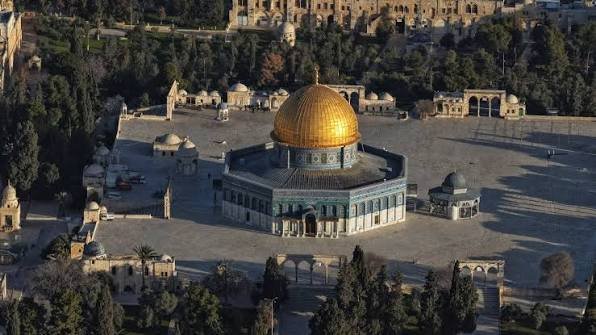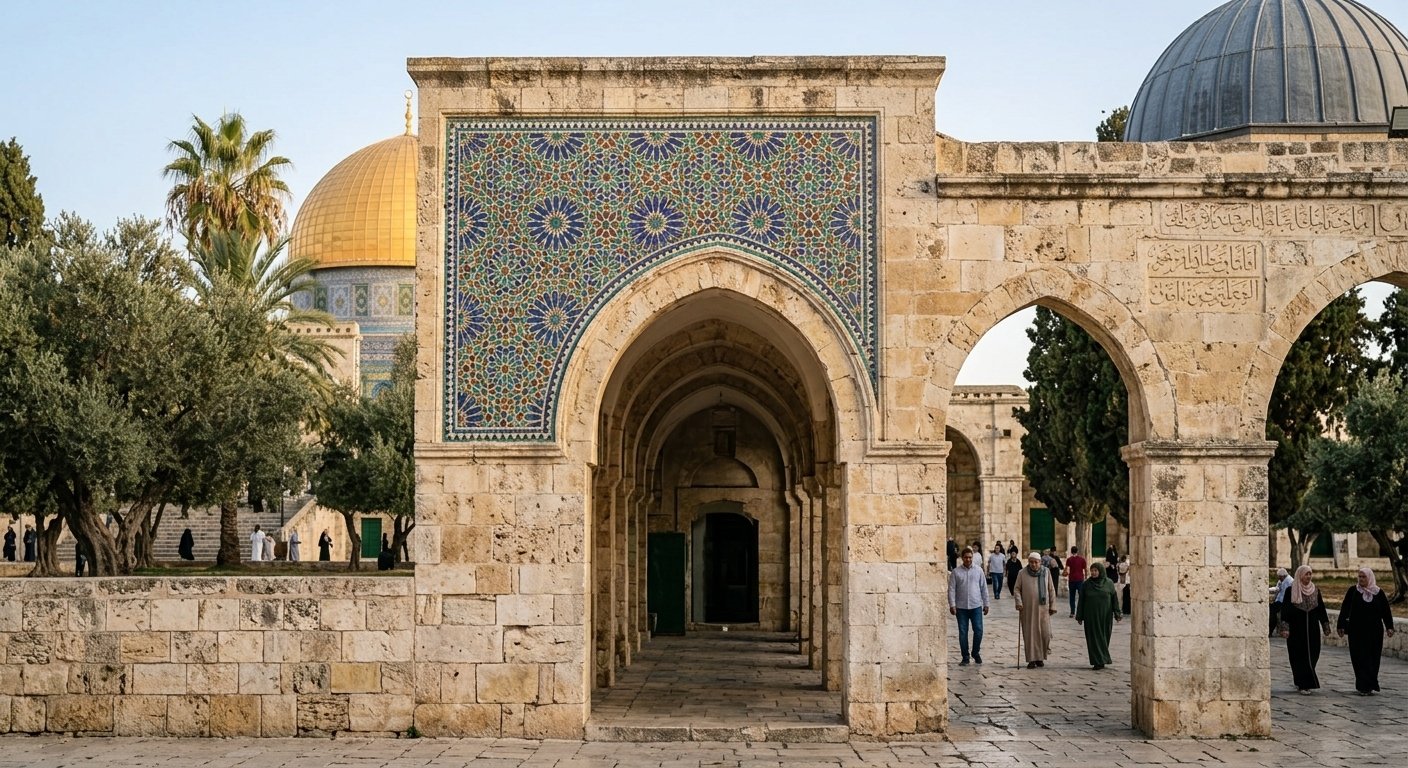

Visiting Al-Rawdah Al-Sharifah in Masjid an-Nabawi is an experience many travellers hope to include while in Madinah.
Entry is organised through the Nusuk system and requires a booking.
Saudi Arabia’s official Nusuk guidance currently confirms that Rawdah appointments can be booked through the Nusuk app. Nusuk
Step 1: Download Nusuk
Download the official Nusuk app and create or sign into your account.
Make sure your account information matches your travel documents.
Step 2: Find the Rawdah Service
Inside Nusuk, look for the service relating to visiting Al-Rawdah Al-Sharifah.
Available appointments will appear within the booking system.
Step 3: Choose an Available Appointment
Select a suitable date and time.
Availability can vary, so do not assume that your preferred slot will always be available.
Step 4: Confirm Your Booking
Follow the instructions in the app to complete the booking.
Saudi Arabia’s current official guidance says attendance must be reconfirmed before the visit. Confirmation becomes available 48 hours before the appointment and closes two hours beforehand. Nusuk
Step 5: Keep Your QR Code Ready
Once the booking is confirmed, your entry QR code becomes available.
You need this code to enter, and it is valid for a single use. Nusuk
It is sensible to ensure your phone is charged before leaving your hotel.
Step 6: Arrive Early
Official Nusuk guidance recommends arriving approximately 30 minutes before your appointment. Nusuk
Do not wait until the exact booking time to make your way towards the entrance.
How Long Is the Visit?
Nusuk currently states that a Rawdah visit lasts approximately 20 minutes. Nusuk
Use the limited time well.
What If There Are No Appointments?
Nusuk also provides a waiting-list facility when appointments are unavailable, and its current system includes an instant-track option for eligible visitors near Masjid an-Nabawi. Nusuk
Availability and app functionality can change, so follow the instructions visible within Nusuk at the time of your journey.